Adding my thoughts from a duplicate thread I created about this. Didn’t find this thread with my search for “square grid”, so hopefully my extra notes below about flexible thumbnails instead of just a square grid and specific examples help raise awareness of this existing thread. Thanks @mrm for the redirect!
Cropping photos into a square often cuts off important details like heads on portraits, whole people on landscapes, etc. It can completely ruin the original feeling of ultrawide panoramic photos, and eliminate loads of context from ultratall phone screenshots.
The current homepage offers three different sizes of a square grid.
Flexible sizing is important, and square thumbnails may be better for touch interfaces to avoid targets too narrow for easy clicking, but I think it would be awesome to optionally show photos like in OneDrive for web, where thumbnails are shown with ultratall/portrait/square/ultrawide aspect ratios. They are still slightly cropped to maintain even spacing, but to a far lesser extent than square thumbnails. Here’s two screenshots I found on the web to give you some idea, but I’m personally most impressed when I scroll past one of my panoramic photos that takes up an entire row. Unfortunately I couldn’t find an online screenshot illustrating that for you.
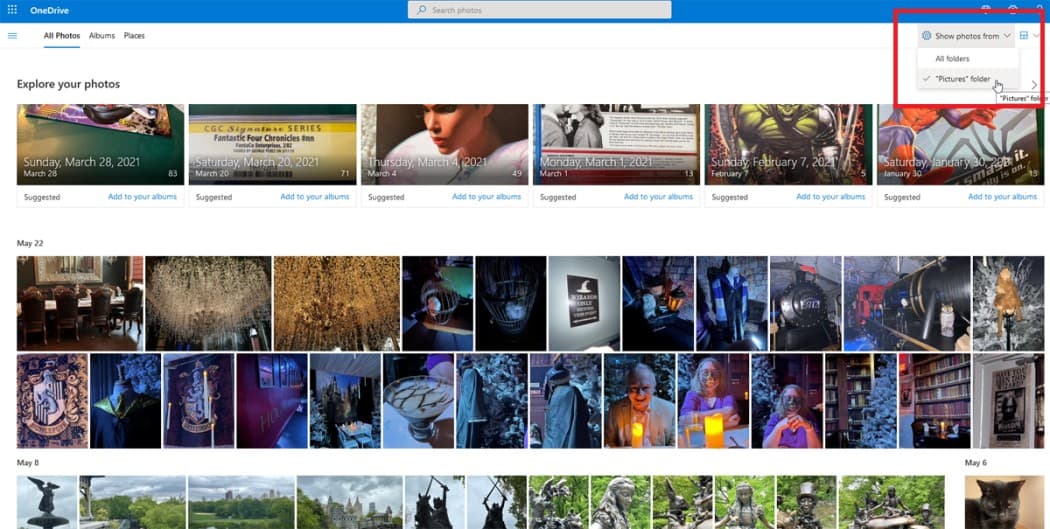
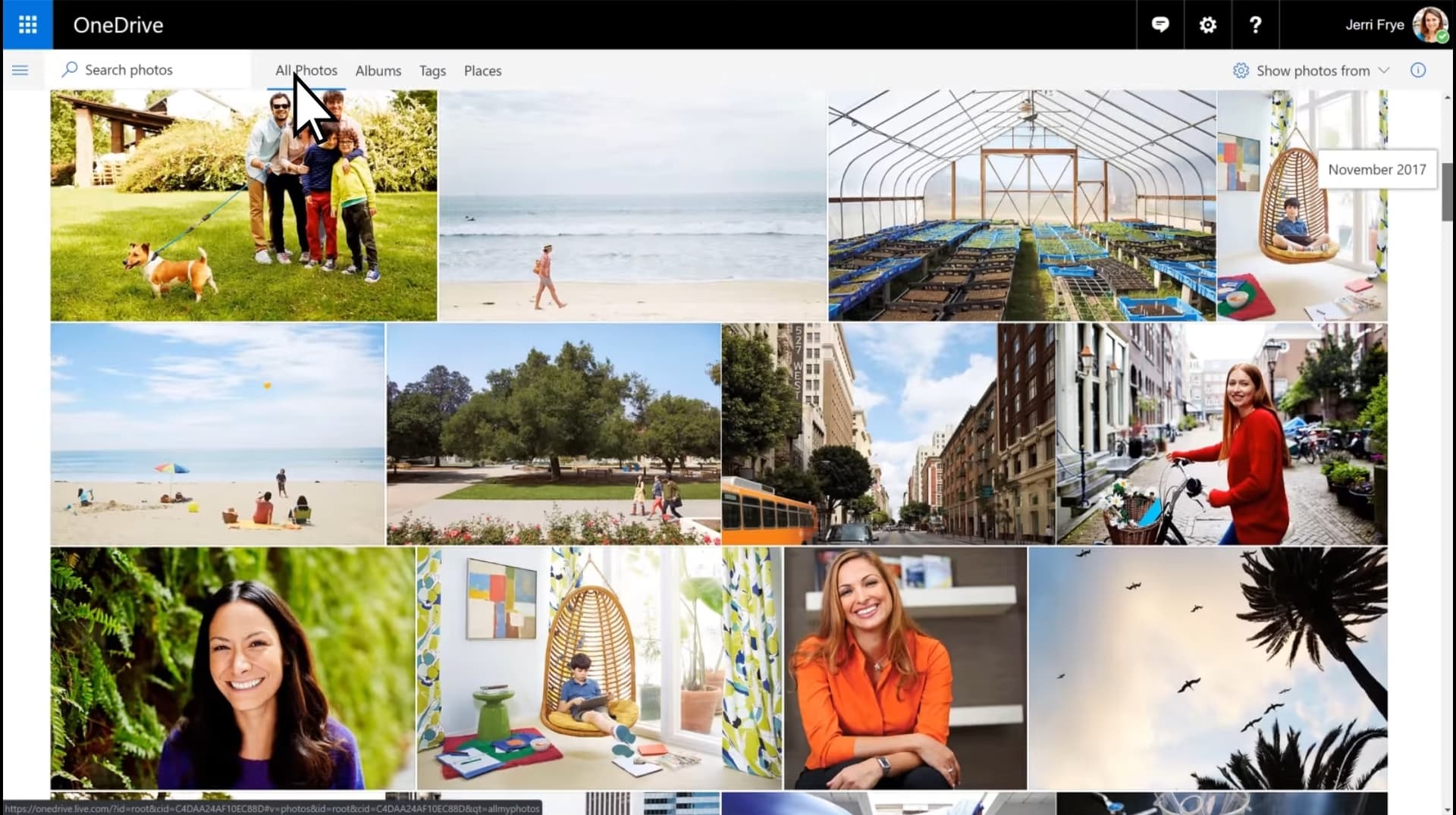
Image sources: